
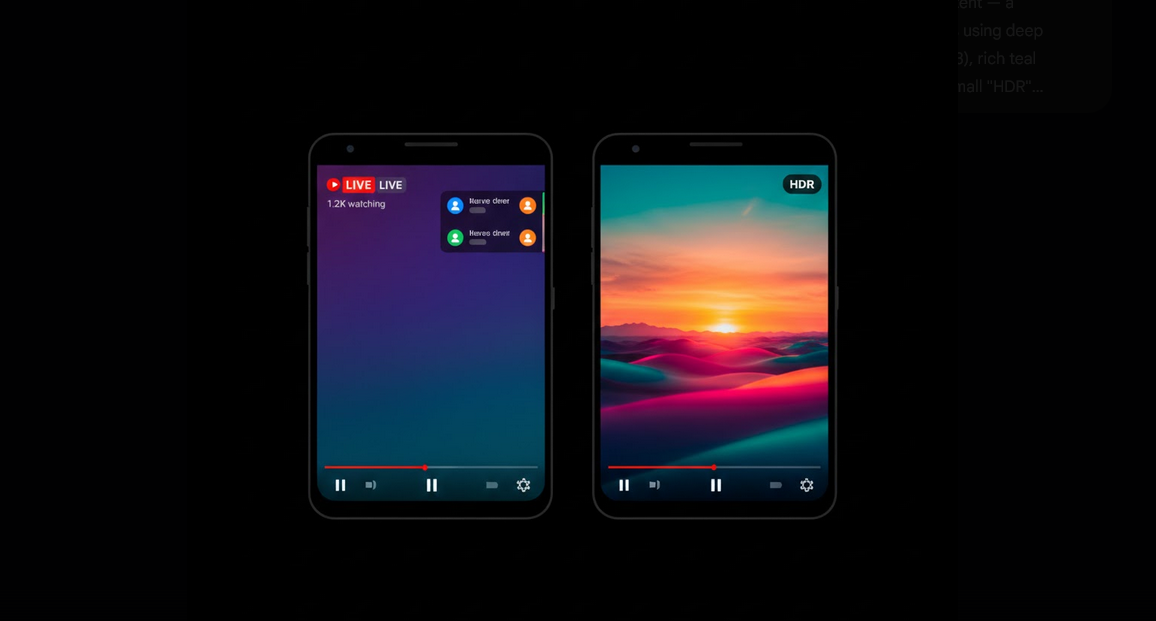
YouTube HDR comes with increased colors, black level, highlight, and detail in dark and light images comparing to standard YouTube videos. Videos uploaded in HDR format in compatible devices will significantly improve the image quality because of the possibility to take benefit of a wide color range.
What Is HDR in YouTube Videos?
The standard video is characterized by narrow color range and narrow brightness. At the same time, HDR makes sunset warmer, adds details to the dark parts and makes highlights brighter while keeping the other details.
Requirements for YouTube HDR Videos
- These requirements should be met in order to use the HDR videos:
- HDR screen of the smartphone: the device must have either HDR10 or Dolby Vision screens;
- Supported processor: the smartphone processor must be able to decode videos in HDR;
- Version of Android: from version 7.0 the device must support HDR videos;
- Updating the YouTube application to the latest version to support the HDR playback;
- HDR video: the video must be uploaded in HDR format by the author.
How to Detect if the Video Supports HDR?
It is possible to detect whether the video supports HDR from the quality settings of the video. Tap on the gear or three-dot icon while watching the video and choose the item Quality. In this menu you will see the resolutions marked with the label “HDR” – “1080p HDR”, “2160p HDR”, etc. If there is no any resolution marked as “HDR” in the list, then the video is SDR.
How to Activate HDR Playback
- First of all, you need to detect if your device supports the necessary requirements:
- Checking if your device supports HDR playback in the Display settings of the device;
- Updating YouTube application to the latest version from Google Play;
- Selecting the quality marked with HDR in the settings while watching the HDR video;
Some devices allow changing the video enhancement mode in the Display settings required for optimal HDR playback.
Using YouTube HDR in Vanced Version
YouTube Vanced not only supports the HDR videos but also provides additional functionality like the opportunity to lock the landscape videos on the highest brightness that is necessary for enjoying the HDR videos. The standard YouTube app makes dimming of the HDR videos in order to meet the system brightness while Vanced overrides it.
Using the resolution override function of YouTube Vanced, it is possible to lock the HDR video to the highest quality. There are no advertisements that would interrupt the picture and all your settings will be saved throughout the whole session. Using Vanced MicroG will allow you to synchronize the account and thus save your quality settings.
Examples of HDR Content to Watch
Nature documentaries and landscapes;
Travel videos including vivid scenes of sunsets, the sea, and cityscapes;
Tech reviews and product showcases in HDR;
HDR gameplay videos;
Independent movies including mastering of HDR content.
Comparison of HDR and SDR
Color range that could be shown by HDR: more than one billion colors against 16.7 million colors in SDR;
Higher brightness of highlights: HDR reaches much higher peak brightness;
Deeper blacks: HDR allows to reach deeper blacks and better shadow details;
Data consumption: HDR consumes more data compared to SDR at the same resolution due to the additional color information;
Battery usage: HDR playback consumes more battery compared to the standard one due to additional brightness and processing.
People Who Will Enjoy YouTube HDR
People who prefer the best picture quality on their device;
Owners of the flagships phones supporting HDR playback but not using it;
Authors of the videos uploading videos in HDR format and wanting to present their work in the best way possible;
People who watch movies, documentaries, and other visually rich videos.
Conclusion
Thanks to the YouTube HDR videos the picture quality will be greatly improved due to additional colors, brightness and contrast. And thanks to the YouTube Vanced the videos will be shown with the maximum brightness without any ads interrupting the process.
